Image preview

Verified!

Image Preview - Visual Studio Code Extension. Shows image preview in the gutter and on hover. It looks like this.

(4.1)
Average rating 4.1 out of 5

Free, Freemium

Tool Information

Company

None

Founded

2017

Pricing

Free, Freemium

About Image preview

Image Preview is a VS Code extension that shows a thumbnail of an image in the gutter and on hover. It’s a preview utility, not an AI tool.

Pros

  • ✔️ Time-Sav: Previews show inside coding.
  • ✔️ Path-Fix: Verifies paths and file names.
  • ✔️ Gutter-I: Icons show at-a-glance views.
  • ✔️ Hover-V: Detailed views appear on hover.
  • ✔️ Light-Wt: Simple and very easy to utilize.

Cons

  • ✖️ Not-AI-X: Lacks any smart AI features.
  • ✖️ Clutter: Makes the gutter look crowded.
  • ✖️ Slow-Log: Huge images may load slowly.
  • ✖️ Low-Util: Niche tool, not for everyone.

Key Features

✔️ Thumb-Gutter: Shows icons in the editor.
✔️ Hover-Viw: Larger image opens on hover.
✔️ URL-Sync: Loads local and remote images.
✔️ All-Form: JPG, PNG, GIF, and SVG support.
✔️ Click-Ops: Open image from gutter icons.
✔️ Path-Map: Supports custom path aliases.
 

English Thumbnail
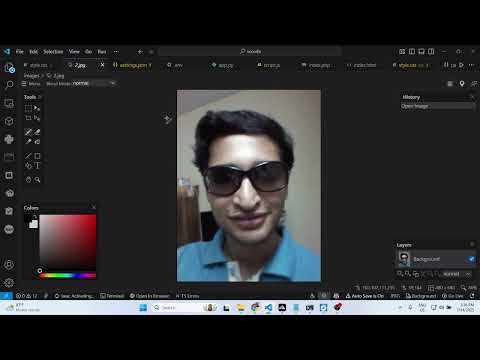
Live Image Preview in VSCode IDE Editor Hover + Gutter | Must Have Extension! VSCode IDE Extension
Hindi Thumbnail
Boost Productivity with Image Preview vs Code's Amazing Extension

Ready-to-Use Prompts

Copy and customize these prompts for your specific needs

Prompt 1 Title
Prompt 1 Content
Prompt 2 Title
Prompt Title
Prompt Content
Prompt Title
Prompt Content
Prompt Title
Prompt Title
Prompt Content

Customer Reviews


😊 😡 😍 😐 👍


Pricing Plans

Free Plan

Use Cases

Save time switching between tools during UI or front-end work.

Simplify project management by viewing image paths visually.

Compare multiple image versions directly within the editor.

Help developers check design assets while coding websites.

Instantly preview images inside VS Code without opening extra apps.

[tool_use_cases

Quickly checking the content of an image asset.

Working on image-heavy websites or galleries.

Referencing sprites and textures in game dev.

Writing documentation (like Markdown) with images.

Improving workflow for frontend developers.

×

Sign in to Projectpedia

Welcome back! Please sign in to continue


or

Don't have an account? Sign up
Scroll to Top