
About Image preview
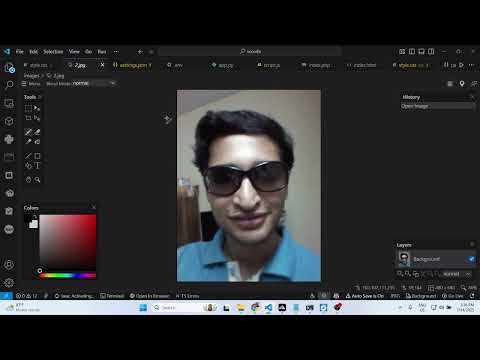
Image Preview is a VS Code extension that shows a thumbnail of an image in the gutter and on hover. It’s a preview utility, not an AI tool.
✅ Pros
- ✔️ Saves time by showing previews directly in the code.
- ✔️ Helps verify correct image paths and file names.
- ✔️ Gutter icon provides an at-a-glance preview.
- ✔️ Larger preview appears on hover for more detail.
- ✔️ Supports common web and SVG image formats.
- ✔️ Lightweight and simple to use.
❌ Cons
- ✖️ It is not an AI tool.
- ✖️ Can add visual clutter to the editor’s gutter.
- ✖️ Previewing very large images can be slow.
- ✖️ Less useful for developers who don’t work with images.
Key Features
Image thumbnail preview in the editor gutter.
Larger image preview on hover.
Works with local and remote image URLs.
Supports JPG, PNG, GIF, and SVG formats.
Clickable gutter icon to open the image file.
Ready-to-Use Prompts
Copy and customize these prompts for your specific needs
Prompt 1 Title
Prompt 1 Content
Prompt 2 Title
Prompt Title
Prompt Content
Prompt Title
Prompt Content
Prompt Title
Prompt Title
Prompt Content

 Login with Google