
About Better Comments
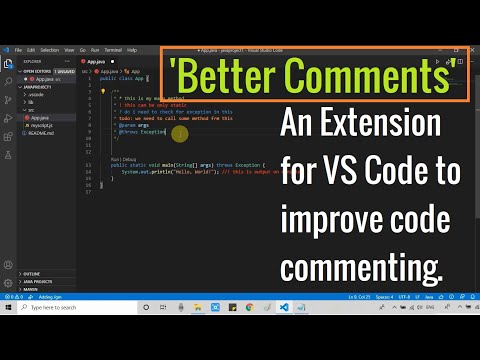
Better Comments is a VS Code extension that helps you create more human-friendly comments by categorizing them with colors. It’s a utility, not an AI tool.
✅ Pros
- ✔️ Greatly improves code readability.
- ✔️ Makes different types of comments stand out.
- ✔️ Highly customizable prefixes and colors.
- ✔️ Helps improve team communication in code.
- ✔️ Simple to learn and use.
- ✔️ Supports a wide variety of languages.
❌ Cons
- ✖️ It is not an AI tool.
- ✖️ Purely a visual aid; adds no functionality.
- ✖️ Team members must agree on prefix meanings.
- ✖️ Can create visual clutter if overused.
Key Features
Color-codes comments based on a prefix.
Default prefixes: * (important), ! (alert), ? (question), TODO.
Fully customizable annotation types and styles.
Option for strikethrough on completed TODOs.
Works with both single-line and block comments.
Ready-to-Use Prompts
Copy and customize these prompts for your specific needs
Prompt 1 Title
Prompt 1 Content
Prompt 2 Title
Prompt Title
Prompt Content
Prompt Title
Prompt Content
Prompt Title
Prompt Title
Prompt Content

 Login with Google