About Zoo (Text-to-CAD)
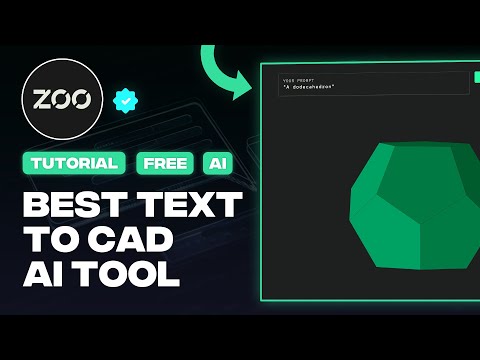
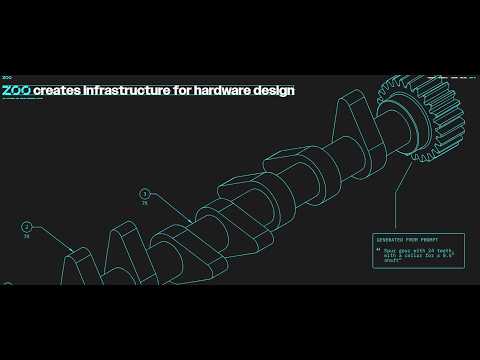
Zoo is an AI-powered Text-to-CAD platform that converts natural language prompts into precise, editable 3D CAD models. Built for engineers, designers, and developers, it accelerates mechanical prototyping and design workflows.
✅ Pros
- ✔️ Fast CAD model generation from text
- ✔️ Multi-format export (STL, STEP, OBJ, FBX
- ✔️ Parametric editing with sliders
- ✔️ Open-source & API-first
- ✔️ Cross-platform support
❌ Cons
- ✖️ Vague prompts give poor results
- ✖️ Single objects only, no assemblies
- ✖️ Complex shapes need manual refinement
- ✖️ Desktop app required for full use
Key Features
Text-to-CAD model generation
Zookeeper conversational CAD agent
Parametric editing via sliders
Programmatic CAD using KCL (KittyCAD Language)
GPU-accelerated geometry engine
API integration support
Ready-to-Use Prompts
Copy and customize these prompts for your specific needs
Customer Reviews
Pricing Plans
Free $0/month
20 free credits/mo,
basic Text-to-CAD,
multi-format export
Pro $99/month
Unlimited Text-to-CAD credits,
advanced features
Team $399/user/month
Team collaboration,
enterprise-level access

 Login with Google