
About Gamma
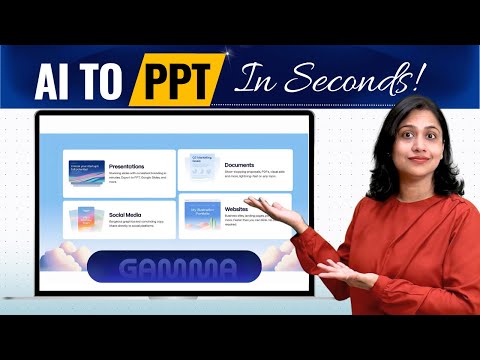
Gamma is an AI-powered platform that generates beautiful presentations and documents from a simple prompt, using an interactive card-based format.
✅ Pros
- ✔️ Creates complete presentations in seconds.
- ✔️ AI generates both text content and images.
- ✔️ Visually appealing and modern designs.
- ✔️ Interactive, card-based format is engaging.
- ✔️ Easy to embed rich media (videos, apps).
❌ Cons
- ✖️ Less granular design control than PowerPoint.
- ✖️ The card format can be creatively limiting.
- ✖️ AI-generated content needs fact-checking.
- ✖️ Exporting to PPTX can lose some formatting.
Key Features

Ready-to-Use Prompts
Copy and customize these prompts for your specific needs
“Generate a PowerPoint presentation on (Renewable Energy Sources) with (12 slides) including (Introduction, Types, Advantages, and Future Scope).
Use (green and clean design elements) and include (real-world examples with visuals).”
“Create a PPT for (a tech startup) with (8–10 slides) covering (Problem, Solution, Market Opportunity, Product Demo, and Revenue Model).
Use (a professional theme with brand colors) and add (charts and infographics for better impact).”
“Design a PowerPoint on (Quarterly Sales Performance of 2025 Q1) containing (10 slides) that include (data-driven graphs, key insights, and recommendations).
Keep the theme (corporate and data-focused) with (clean typography and consistent layout).“
“Generate a PPT for (Smart City Development Project Proposal) with (15 slides) explaining (project goals, implementation plan, budget estimate, and expected outcomes).
Use (modern and sleek visuals) with (icons and real photographs for realism).“
Create a presentation on (Climate Change Awareness Campaign) with (10 slides) focusing on (causes, effects, and possible solutions).
Add (impactful images, statistics, and quotes) with a (powerful and emotional tone).
Customer Reviews
Pricing Plans
Free Plan
₹0
Create up to 10 cards per prompt
400 credits at signup
Simple presentations, docs, websites, social, and images
Import from PDF & PPTX
Export to PDF, PPTX, PNG & Google Slides
Paid Plans
Plus
Unlimited AI and custom branding to elevate your workflow
₹400 / per seat / per month
₹4,800 billed annually
Everything in Free, and:
Create up to 20 cards per prompt
1,000 monthly credits
Remove Gamma branding
Advanced AI image models
Pro
(Most powerful)
Our most powerful AI and customization tools at your fingertips
₹950/seat/month (billed annually at ₹11,400/seat)
Everything in Plus, and:
Create up to 60 cards per prompt
4,000 monthly credits
Premium AI image models
Custom branding & fonts
Detailed analytics & advanced sharing
Publish up to 10 custom domains
API access
Workspace templates

 Login with Google