
About Peacock
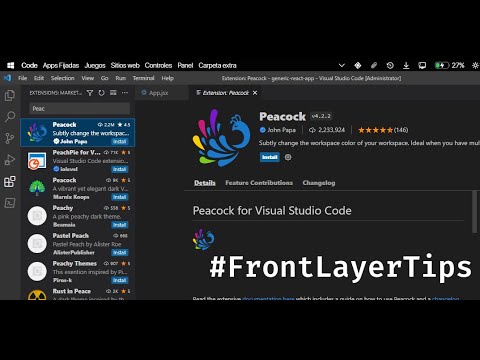
Peacock is a VS Code extension that subtly changes the color of your workspace, helping you distinguish between multiple open project windows at a glance.
✅ Pros
- ✔️ Instantly distinguish between VS Code windows.
- ✔️ Helps prevent errors from editing in the wrong project.
- ✔️ Simple one-command setup.
- ✔️ Lightweight and has no performance impact.
- ✔️ Works well in Live Share and remote sessions.
- ✔️ Colors are saved per workspace.
❌ Cons
- ✖️ It is not an AI tool.
- ✖️ Purely a cosmetic/organizational feature.
- ✖️ Only changes a few UI elements (title bar, etc.).
- ✖️ Less useful if you only open one project at a time.
Key Features
Commands to set a specific or random color.
Saves chosen colors in workspace settings.
Darken and lighten commands for color variants.
A list of favorite colors for quick access.
Works with VS Code Remote Development.

Ready-to-Use Prompts
Copy and customize these prompts for your specific needs
Prompt 1 Title
Prompt 1 Content
Prompt 2 Title
Prompt Title
Prompt Content
Prompt Title
Prompt Content
Prompt Title
Prompt Title
Prompt Content

 Login with Google