Polacode

1

A sleek-looking VS Code theme, trying out all the best programming fonts. You take three days porting over your theme before starting to use VS Code.

(4.7)
Average rating 4.7 out of 5

Free, Freemium

Tool Information

Company

None

Founded

2018

Pricing

Free, Freemium

About Polacode

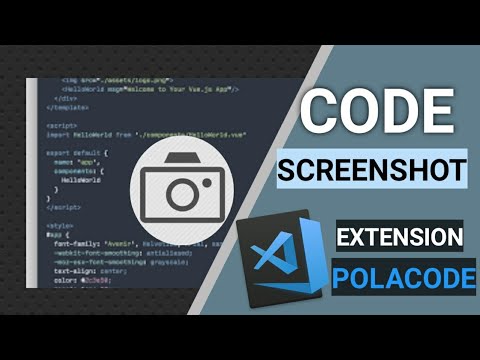
Polacode is a VS Code extension for creating beautiful, shareable screenshots of your code. It’s a presentation utility, not an AI tool.

Pros

  • ✔️ Creates stylish, presentation-ready code images.
  • ✔️ Much better than taking a standard OS screenshot.
  • ✔️ Retains your current VS Code theme and font.
  • ✔️ Simple and very easy to use.
  • ✔️ Customizable window appearance.
  • ✔️ Completely free and open-source.

Cons

  • ✖️ It is not an AI tool.
  • ✖️ The project is not actively maintained anymore.
  • ✖️ Can be buggy with recent versions of VS Code.
  • ✖️ Modern alternatives offer more features.

Key Features

✔️ Renders code into a stylized image frame
✔️ Command to “snap” selected code into the frame.
✔️ Resizable window to adjust padding.
✔️ Customizable shadows and window controls.
✔️Preserves your existing syntax highlighting
 

English Thumbnail
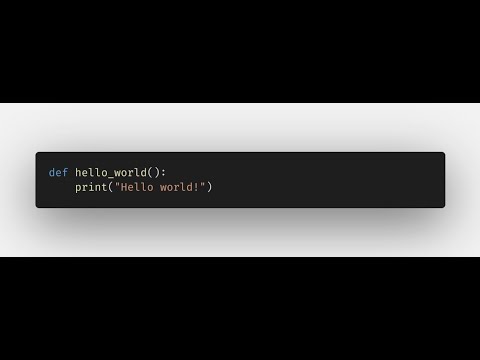
Take beautiful screenshots of your code with Polacode!
Hindi Thumbnail
Screenshot And Share your code Easily | VS Code Extension | Polacode | Hindi

Ready-to-Use Prompts

Copy and customize these prompts for your specific needs

Prompt 1 Title
Prompt 1 Content
Prompt 2 Title
Prompt Title
Prompt Content
Prompt Title
Prompt Content
Prompt Title
Prompt Title
Prompt Content

Customer Reviews


😊 😡 😍 😐 👍


Pricing Plans

Free Plan

Use Cases

Capture clean, polished screenshots of your code.

Highlight sections of code for team discussions.

Share beautiful code snippets on social media or blogs.

Create visual examples for tutorials or documentation.

Make your project presentations more readable with styled code images.

[tool_use_cases

Including code examples in presentations or slides.

Creating visuals for technical blog posts or tutorials.

Asking for help on forums with a clean code image.

Embedding code in documentation or reports.

Showcasing code in a design portfolio.

×

Sign in to Projectpedia

Welcome back! Please sign in to continue


or

Don't have an account? Sign up
Scroll to Top