About Code Spell Checker
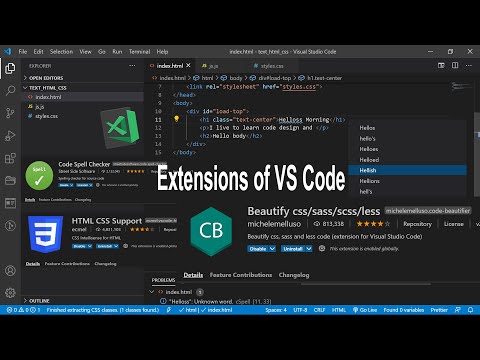
Code Spell Checker is a VS Code extension that finds spelling errors in your code and comments. It’s a linter for typos, not a generative AI tool.
✅ Pros
- ✔️ Typo-Fix: Catches errors in code/strings.
- ✔️ Qual-Up: Improves readability and design.
- ✔️ Multi-L: Supports code and human languages.
- ✔️ Custom-D: User and project dictionary edit.
- ✔️ Prob-Int: Integrates with Problems panel.
❌ Cons
- ✖️ Not-AI-X: No smart logic improvement tool.
- ✖️ False-P: Flags terms until manual adding.
- ✖️ Time-Set: Custom dictionaries take effort.
- ✖️ Checker: No grammar checks in the comment.
Key Features
Full-Scan: Checks code, strings, comments.
Fix-Fast: Click to fix your typos quickly.
Dict-Add: Custom words for every projects.
File-Ctrl: Include or ignore specific files.
Lang-Sup: Supports various coding formats.
Highlight: Marks errors in your code view.

Ready-to-Use Prompts
Copy and customize these prompts for your specific needs
Prompt 1 Title
Prompt 1 Content
Prompt 2 Title
Prompt Title
Prompt Content
Prompt Title
Prompt Content
Prompt Title
Prompt Title
Prompt Content

 Login with Google